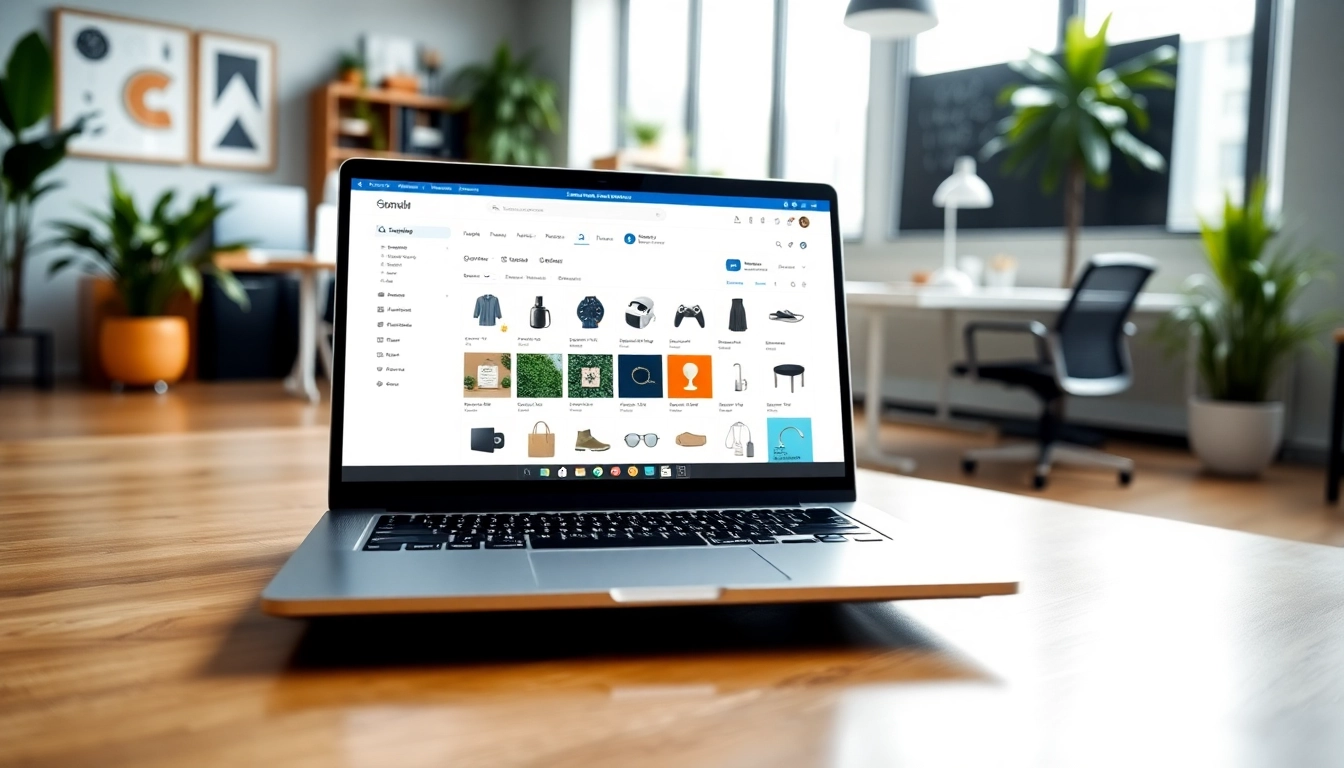
Introduction to Multi-Store
The world of e-commerce is rapidly evolving, pushing businesses to seek innovative solutions to thrive in a highly competitive landscape. One such solution is the concept of a Multi-Store, which refers to a single platform that allows businesses to manage multiple online stores. This approach not only streamlines operations but also enhances the shopping experience for customers. For those eager to leverage this system, understanding its core elements can be the key to unlocking significant growth and success in their e-commerce endeavors.
What is Multi-Store?
A Multi-Store system refers to a software architecture that enables a single e-commerce solution to manage multiple stores from one central interface. This allows businesses to easily create, configure, and manage individual stores that may cater to different audiences, geographical locations, or product categories. Each store operates independently in terms of branding, inventory, and customer management, yet they share a common backend infrastructure. This means that updates, configurations, and operational data can be handled in a unified manner, providing substantial time and cost savings.
Key Features of Multi-Store
The Multi-Store system comes with several features that make it an attractive option for e-commerce businesses:
- Centralized Management: All stores can be managed from a single dashboard, reducing the need for multiple logins or fragmented systems.
- Customizable Stores: Individual stores can be tailored to unique customer demographics, allowing businesses to personalize user experiences.
- Scalability: As a business grows, adding new stores to cater to different markets or product lines is seamless and efficient.
- Shared Inventory: Businesses can manage inventory across multiple stores, ensuring consistent stock levels and optimized supply chain operations.
- Integrated Marketing Tools: Leverage promotional campaigns and customer analytics centrally to enhance marketing efforts across all stores.
Benefits for E-commerce Businesses
The advantages of adopting a Multi-Store system extend beyond just operational efficiency. Some of the key benefits include:
- Cost Efficiency: A centralized approach can lead to lower operational costs, as it reduces the resources spent on maintaining multiple separate systems.
- Improved Customer Experience: Customizing stores for different customer segments enhances satisfaction, leading to higher conversion rates.
- Brand Consistency: Maintain a consistent brand image while allowing for individual store adaptability.
- Comprehensive Analytics: Gain insights into customer behavior across various stores, helping to inform future business decisions strategically.
- Faster Time-to-Market: Quickly launch new stores to meet market demands without extensive development time.
Setting Up Your Multi-Store
Transitioning to a Multi-Store system can seem daunting, but with a clear plan and methodical execution, it can be achieved efficiently. Here’s how to set up your Multi-Store platform.
Step-by-Step Installation Guide
Installing a Multi-Store system typically involves the following steps:
- Choose a Platform: Select an e-commerce platform that supports Multi-Store functionality (e.g., Magento, Shopify Plus, etc.). Research options based on your technical expertise and business needs.
- Hosting and Domain Setup: Acquire a suitable hosting plan and secure domain names for your various stores. Your hosting provider should support the necessary resources for multiple stores.
- Install E-commerce Software: Download and install the e-commerce solution on your server, following the official installation guide provided by the platform.
- Configure Database: Set up a centralized database that will manage information for all stores. Ensure that it is optimized for performance and security.
- Enable Multi-Store Functionality: During installation, activate the Multi-Store feature to allow seamless management of multiple stores from the admin dashboard.
- Add Individual Stores: Through the administrative interface, create each store and configure its specific parameters, such as name, URL, and locale.
Configuring Settings for Optimal Performance
Once the Multi-Store is set up, focus on fine-tuning the system for optimal performance:
- Optimize Server Settings: Ensure that server configurations are adjusted to handle multiple stores efficiently. This includes modifying cache settings, memory limits, and resource allocation.
- Implement SSL Certificates: Secure each store with SSL certificates to enhance customer trust and improve SEO rankings.
- SEO Settings: Customize SEO settings for each store to optimize visibility on search engines, including unique meta tags and URL structures.
- Performance Monitoring Tools: Integrate analytics and monitoring tools to track site performance metrics, ensuring a swift and efficient browsing experience for customers.
Designing an Engaging User Experience
A well-designed user experience (UX) is crucial for converting visitors into customers. Here are essential UX design principles to consider:
- Responsive Design: Ensure each store is mobile-friendly, adapting seamlessly to various screen sizes and devices.
- Intuitive Navigation: Simplify site navigation with logical categories and clear calling buttons, improving user engagement.
- Custom Branding: Create individualized branding elements for each store that reflect its target audience while remaining consistent with the overall corporate brand.
- High-Quality Visuals: Utilize professional photography and engaging multimedia to enhance product presentations and storytelling.
- Streamlined Checkout Process: Make payments easy and secure by optimizing the checkout layout, reducing the number of steps needed to complete a purchase.
Managing Products Across Multi-Store
Effective management of products is vital in a Multi-Store environment. Here’s how to handle products efficiently.
Add and Edit Products Efficiently
Managing product listings across multiple stores requires a streamlined approach to avoid redundancy and errors:
- Bulk Uploading: Use bulk upload tools or CSV files to add products en masse, saving time compared to adding products individually.
- Centralized Product Information: Maintain a single database for product descriptions and images, allowing updates to be reflected across all stores automatically.
- Custom Attributes: Tailor product attributes based on store requirements, ensuring specific features are highlighted as relevant to each audience.
Handling Inventory and Stock Levels
Maintaining optimal stock levels across multiple stores is critical:
- Real-Time Inventory Tracking: Implement inventory management software that provides real-time data on stock levels, allowing for proactive restocking.
- Automated Alerts: Set up automated alerts for when stock levels dip below a predefined threshold, ensuring no store runs out of popular items.
- Shared Inventory Pool: Consider a strategy where stock across stores is pooled together, allowing flexibility in meeting demand spikes.
Integrating Payment Gateways
To enable smooth transactions across multiple stores, integrating the right payment gateways is crucial:
- Multiple Payment Options: Offer various payment methods (credit cards, digital wallets, bank transfers) to cater to diverse customer preferences.
- Secure Payment Processing: Ensure that payment gateways comply with industry security standards (PCI-DSS) to build trust with customers.
- Currency and Localization: If serving international markets, include currency conversion features and local payment methods for seamless transactions.
Marketing Strategies for Your Multi-Store
The success of a Multi-Store extends beyond operational efficiency; effective marketing is key to driving traffic and boosting sales.
Effective SEO Practices
Search Engine Optimization (SEO) is critical in enhancing online visibility:
- Unique URL Structures: Create distinct URLs for each store, including relevant keyword phrases to improve search rankings.
- Content Marketing: Develop blog articles, product guides, or video content that connects with your target audience while driving organic traffic.
- Local SEO: Optimize each store’s content for local search by incorporating geo-targeted keywords and creating Google My Business listings.
Utilizing Social Media for Promotion
Social media platforms provide vast opportunities for connecting with potential customers:
- Targeted Campaigns: Use social media advertising to reach specific demographics based on interests and location, maximizing engagement potential.
- Content Sharing: Encourage customers to share their purchases on social media, creating authentic testimonials and expanding brand reach.
- Influencer Partnerships: Collaborate with influencers in your niche to tap into their audiences and increase your brand's visibility.
Leveraging Email Marketing Campaigns
Email marketing remains one of the most effective communication channels for e-commerce:
- Segmentation: Segment your email list based on customer behavior, preferences, and purchase history, enabling tailored communication for each group.
- Automated Campaigns: Set up triggered emails for cart abandonment, post-purchase follow-ups, and product recommendations to nurture leads and encourage repeat purchases.
- Promotional Offers: Use exclusive discounts and promotions sent via email to entice customers to make purchases across different stores.
Analyzing Performance Metrics
To ensure the success of your Multi-Store strategy, regular analysis of performance metrics is crucial. This will help you optimize strategies based on data-driven insights.
Tracking Sales and Conversion Rates
Monitoring key sales metrics provides insights into how well each store is performing:
- Sales Analytics: Use data visualization tools to track sales revenue, average order value, and customer acquisition costs.
- Conversion Rate Optimization: A/B test various elements of your stores (landing pages, pricing strategies, etc.) to identify what maximizes conversions.
- Customer Lifetime Value (CLV): Calculate CLV to determine the long-term profitability of acquiring customers from each store.
Interpreting Customer Feedback
Customer feedback is an invaluable resource when assessing the performance of your stores:
- Surveys and Reviews: Implement tools to gather customer feedback through surveys and reviews, paying attention to common themes or issues.
- Respond to Feedback: Actively engage with customers who leave reviews, addressing concerns promptly, which can enhance customer trust.
- Customer Support Analytics: Track support queries and resolution times to identify areas for improvement in customer service.
Making Data-Driven Decisions
Harness the power of analytics to guide your business decisions:
- Regular Reporting: Generate and review performance reports regularly to stay informed about each store's performance metrics.
- Benchmarking: Compare your stores’ performance against industry standards to identify potential areas for improvement.
- Iterative Improvements: Use insights gained from data analysis to continuously optimize your store operations, marketing efforts, and product offerings.
Frequently Asked Questions
1. What is the primary advantage of using a Multi-Store system?
The primary advantage is centralized management, allowing businesses to operate multiple online stores from a single platform, saving time and resources.
2. Can I customize each store's design?
Yes, a Multi-Store system allows you to customize branding and design elements for each store while maintaining a consistent overarching brand identity.
3. How do payment gateways work in a Multi-Store setup?
Payment gateways can be integrated separately for each store, allowing for various payment methods tailored to each store’s audience and location.
4. Is SEO different for each store in a Multi-Store system?
Yes, each store should have unique SEO settings, including keywords and meta tags, tailored to their specific audience and product offerings.
5. How can I ensure stock levels are managed effectively?
Implementing automated inventory management tools can help track and manage stock levels effectively across all stores, ensuring optimal supply.